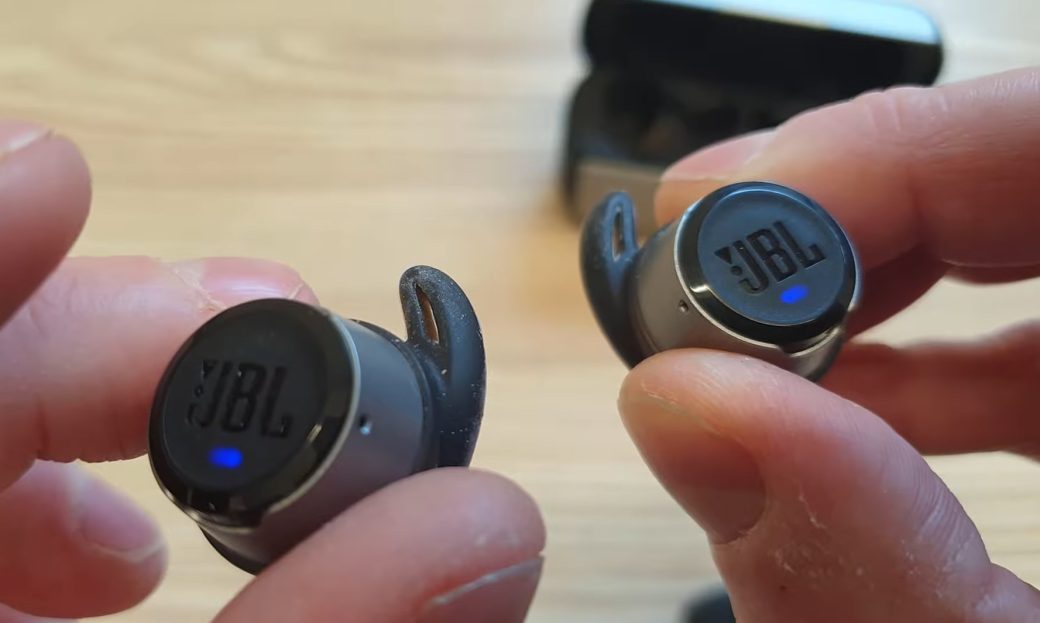
Understanding How Wireless Earbuds Communicate With Devices
Wireless earbuds rely on Bluetooth to communicate with smartphones, tablets, or laptops. In most modern models, one earbud is designated as the “primary” and maintains a direct connection to the device. The secondary earbud connects to the primary, not directly to the phone, creating a daisy-chain setup. This design keeps power consumption low and simplifies synchronization of audio between the two earbuds.
The Bluetooth standard, while robust, has limitations in terms of range, latency, and signal stability. Every connection involves continuous handshakes, signal modulation, and error correction. Even minor fluctuations in signal strength or obstacles like walls or bodies can impact the quality of the wireless link. For example, walking around a room with a phone in one pocket and earbuds in your ears may create temporary weak spots that the system has to compensate for.
This technical setup is crucial for understanding why one earbud may disconnect more frequently. Since the secondary earbud relies entirely on the primary for both data and synchronization, any issue with the primary or the link between them can disrupt audio on just one side.
Why One Earbud Loses Connection More Often
Single-ear disconnection happens most often because the primary earbud is responsible for routing all signals. If the secondary earbud is slightly out of range, blocked by interference, or experiencing a weak connection, it may drop out while the primary continues functioning normally. Unlike wired headphones, where both sides receive a stable signal simultaneously, wireless earbuds must manage two separate wireless links in real time.
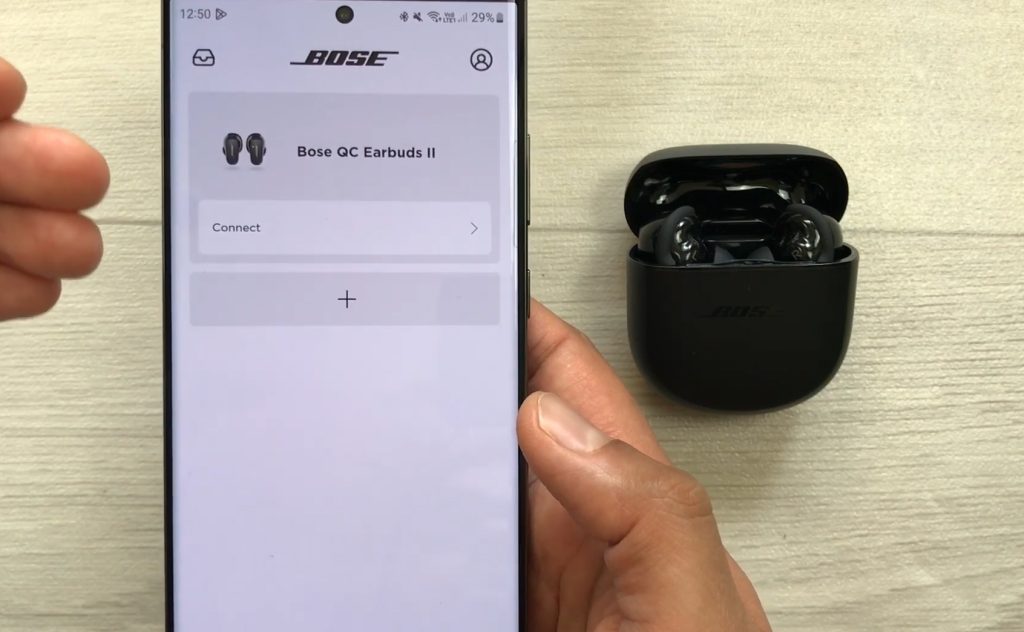
Manufacturers often place antennas differently in each earbud. A slightly different internal layout or proximity to the human head — which absorbs some signal — can affect one earbud more than the other. Additionally, the secondary earbud may consume less battery during use, and when voltage drops below a certain threshold, it can cause temporary disconnection even if the primary is still active.
Sometimes the earbud reconnects automatically within a second or two, but repeated drops point to underlying technical limitations rather than outright failure. Understanding the design helps explain why this is more common in budget models or first-generation wireless earbuds.
The Role of Bluetooth Protocols and Interference
Bluetooth protocols like Classic Bluetooth and Bluetooth Low Energy (BLE) differ in how they manage connections. Most modern earbuds use BLE for energy efficiency, but it is more sensitive to interference. Wi-Fi networks, microwaves, and other wireless devices operate on similar frequencies (2.4 GHz), and competing signals can cause brief disruptions. Even USB-C charging cables plugged into laptops can emit electromagnetic noise that interrupts the link.
Another factor is the number of devices in proximity. Crowded offices, cafes, or gyms with multiple Bluetooth devices create overlapping signals. While earbuds attempt to use adaptive frequency hopping to mitigate interference, it’s not perfect. The secondary earbud, being further from the device and dependent on the primary, is statistically more likely to lose connection.
How Battery Levels and Charging Affect Connectivity
Battery management plays a surprisingly big role in connectivity. Wireless earbuds adjust signal strength based on remaining power to conserve energy. A slightly depleted secondary earbud may operate at lower transmission power, making it more susceptible to drops. Charging cases mitigate this by providing a quick boost, but if one earbud was not seated properly or had a lower charge, the imbalance can result in temporary disconnection.
Manufacturers often include features like “auto pause” when an earbud disconnects, but if power thresholds are not balanced, the secondary earbud may fail to reconnect immediately. Firmware updates sometimes improve this behavior by fine-tuning power allocation and signal routing between the earbuds.
Common Environmental Factors That Interrupt Signal
Physical obstacles are one of the most overlooked causes. Human bodies, clothing, and furniture can absorb or reflect Bluetooth signals. Even holding a phone in one hand while the earbud is on the opposite side of the head can create weak points. Moving through different rooms, especially with walls and metallic surfaces, introduces transient disconnections. Outdoors, strong electromagnetic interference from nearby devices or radio towers may cause similar effects.
Environmental temperature and humidity can also slightly influence battery efficiency and signal transmission, though the effect is minor. Yet, when combined with other factors like interference or battery imbalance, even minor environmental challenges can trigger a one-ear disconnection.
Tips and Manufacturer Strategies to Prevent One-Sided Disconnection
Manufacturers use several strategies to reduce single-ear disconnections. Dual-link designs, where each earbud connects independently to the device, improve reliability but consume more power. Firmware optimizations allow the earbuds to recover faster from brief signal losses. Antenna placement, better power management, and adaptive frequency hopping all contribute to minimizing drops.
For users, practical tips include keeping both earbuds charged, minimizing distance between the device and primary earbud, and reducing sources of interference when possible. Using high-quality charging cases and avoiding crowded wireless environments also helps. Newer models are gradually adopting improvements to handle these issues more gracefully, making one-sided disconnections less frequent over time.