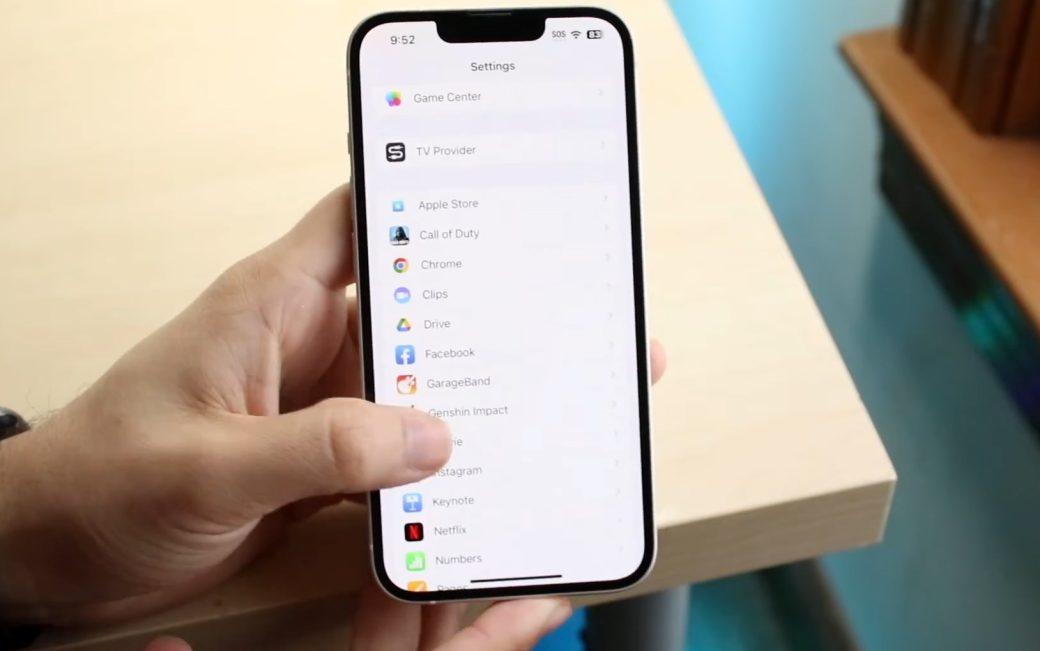
How Mobile Permissions Work and Why They Matter
Modern smartphones treat permissions as a security barrier: an app cannot access your camera, contacts, microphone, or precise location unless you explicitly allow it. Both Android and iOS use this system to prevent silent background data collection and to give users more control over personal information. Yet, the moment a prompt appears, most people tap “Allow” simply to keep the app working.
This is why permission design has become a critical part of digital privacy. When an app asks for something that looks unnecessary, it immediately raises suspicion. These concerns are not unfounded: independent audits and privacy reports have repeatedly shown that many mobile apps request broader access than their core functionality requires. For example, the nonprofit organization Electronic Frontier Foundation and research groups like AppCensus have documented cases where apps collected additional identifiers or location data even when the feature did not appear central to the product.
At the same time, the permission system itself can be confusing. On Android, a single permission may cover several types of actions, so a request can look unrelated even if the app technically needs part of what the group includes. On iOS, tracking permissions added after 2021 force apps to disclose more explicitly when they want to link user data across services. These shifts have made requests more visible — but not always more understandable.
Why Apps Request Access That Looks Unrelated to Their Function
One of the most common reasons for suspicious permission requests is simply poor design or legacy code. Many apps were built years ago, and developers added broad permissions as a shortcut because they were easier to manage. As long as the app passed store reviews, no one questioned it. When the software evolves, those outdated permissions often remain even if they no longer serve a purpose.
Another factor is convenience. Some apps bundle multiple features — messaging, media sharing, location-based suggestions — and request all the necessary permissions up front instead of asking later. While this makes onboarding smoother, it also forces users to approve access for tools they may never use. This “ask everything now” approach was especially common before Android and iOS encouraged developers to request permissions contextually.
There are also cases where the connection exists but is not obvious. A scanning app might ask for location because Wi-Fi and Bluetooth scanning can infer position. A fitness app may want contacts to help users find friends. The logic is there, but without clear communication it feels intrusive. Some companies provide explanations in pop-up messages, though many still rely on the default system prompt, which rarely tells the full story.
The Role of Advertising, SDKs, and Third-Party Analytics
A major driver of excess permissions comes from software development kits (SDKs) embedded by app developers. Advertising networks, analytics platforms, and social media integrations often require certain data to operate. These SDKs are widely used and can automatically request permissions that the app itself does not need to function.
Research from organizations such as Privacy International and reports by investigative journalists have shown that third-party SDKs may pull location data, device identifiers, or usage metrics for advertising profiles. The developer integrating the SDK may not control — or even fully understand — the extent of data requested. This is particularly visible in free apps where advertising revenue is the primary business model.
This issue became significant enough that both Apple and Google introduced new transparency requirements. Since 2021, Apple’s App Tracking Transparency (ATT) framework obliges apps to ask users specifically for permission to track them across apps and websites. Google followed with its own Privacy Sandbox initiative for Android, which limits access to certain identifiers. These steps reduce what third-party SDKs can do, but they do not eliminate unusual permission prompts entirely.
When Permissions Are Legitimate but Poorly Explained
Not every unexpected permission request is a red flag. Some apps depend on system functions that fall under broader categories. For example, enabling Bluetooth for a smart device app may require location access on Android, because of how wireless scanning works. In these situations the app is not seeking personal data intentionally — it is simply following technical requirements.
There are also workflow-related needs that make sense only when the user triggers certain tools. A photo-editing app may ask for microphone access because it includes a video mode. A productivity app may request storage access to import files. Without explanation, these prompts appear suspicious, but the access is justified when tied to actual features.
The problem is rarely the permission itself — it’s the lack of clarity about why the app needs it.
Developers can provide custom messages that explain the purpose of each request. Many do not take advantage of this, leaving users to guess. This gap between technical necessity and communication is one reason the same permission can feel harmless in one app and intrusive in another.
How Users Can Evaluate Permission Requests Safely
Users do not have to approve every prompt. Both major platforms allow fine-grained control, including one-time permissions on Android and iOS. Before agreeing to anything, it is reasonable to ask: Does this feature require this kind of access? If not, declining the permission usually does not break the core functionality.
Privacy-focused organizations, including the Electronic Frontier Foundation, recommend checking an app’s privacy label (iOS) or data safety section (Android) before installation. These summaries show whether data is linked to your identity, shared with third parties, or used for tracking. They are not perfect, but they provide a clearer picture than permission prompts alone.
Users can also review settings periodically and revoke permissions that no longer make sense. Modern operating systems provide alerts when apps access sensitive data in the background. These tools give users more oversight than ever, even if the permission system remains confusing.
What Regulators and App Stores Are Doing to Limit Abusive Access
Regulators in the EU, the United States, and other regions have introduced stricter rules on data collection and transparency. The EU’s General Data Protection Regulation (GDPR) and California’s Consumer Privacy Act (CCPA) require app developers to justify data collection and provide options to opt out of certain tracking practices. Large fines for violations have pushed companies to adopt clearer permission policies.
At the platform level, Apple and Google now restrict background access to location, Bluetooth, and device identifiers. They also require developers to submit detailed disclosures about data usage. Platform reviews are not perfect, but they reject apps that request sensitive permissions without a legitimate reason.
This combination of regulatory pressure and platform-level safeguards has improved user protection. However, because so many apps still integrate third-party SDKs, unusual permission prompts continue to appear — sometimes harmless, sometimes not. Full transparency remains a work in progress.
Why Transparency Still Lags Behind and What Might Change
The mismatch between what permissions seem to allow and what apps actually do is partly a communication problem and partly a legacy of older development practices. Developers rely on complex ecosystems, and users interact with permission systems that often feel abstract.
However, the trend is moving toward tighter control and clearer prompts. Google’s upcoming Privacy Sandbox and Apple’s steady expansion of privacy labels indicate that platforms are committed to reducing unnecessary data access. Whether this will fully resolve the issue depends on developer behavior and how aggressively app stores enforce their policies.
For now, the safest approach is awareness: understanding that a surprising permission is not automatically malicious, but it is always worth questioning. With better tools and clearer disclosure requirements, permission prompts may finally become something people can trust — rather than something they simply learn to ignore.