
Another factor is regulatory pressure. EU and US energy-efficiency standards push manufacturers to optimize for lower sustained power consumption, which ironically encourages short high-power boosts rather than long moderate workloads. This makes cooling behavior more dynamic and noticeable.
When Fan Spikes Are Normal And When They Signal a Problem
Most sudden fan noise is normal. But there are situations where the behavior changes due to actual issues. Public documentation from Apple, Lenovo, and HP identifies several common causes:
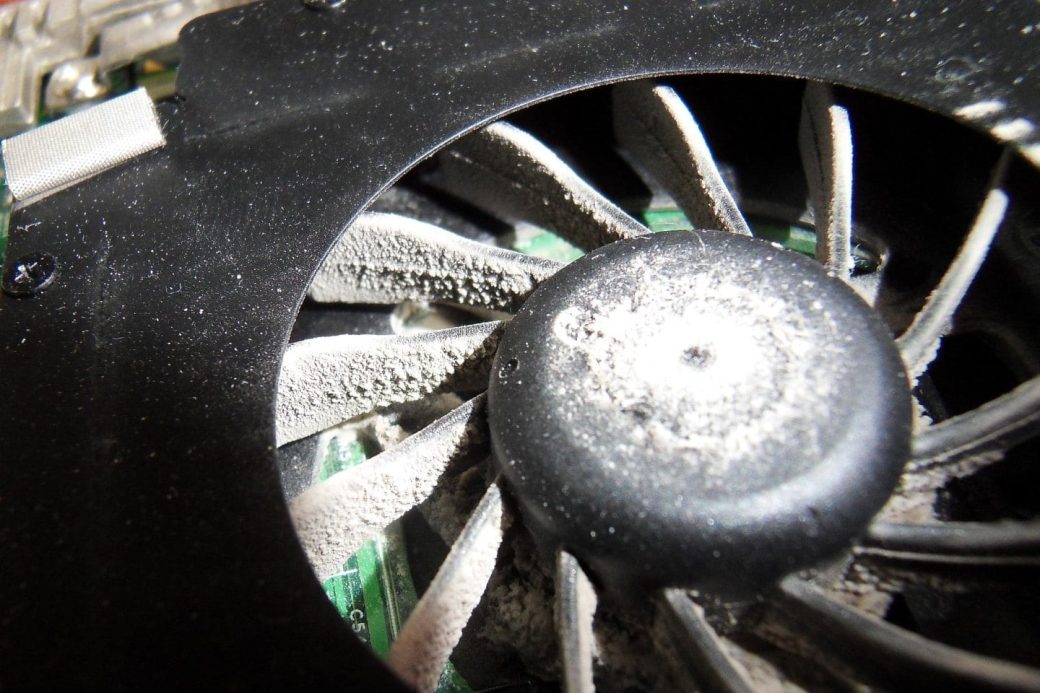
- Dust buildup reducing airflow
- Thermal paste degradation after years of use
- Blocked vents (especially on soft surfaces)
- Outdated BIOS or firmware controlling the fan curve
If the fan runs at high speed constantly — not in short bursts — it may indicate thermal throttling or a cooling system fault. Tools such as Intel Power Gadget, AMD Ryzen Master (desktop only, but provides insight), and macOS Activity Monitor can show temperatures and CPU boost behavior in real time. If temperatures stay high even under light workloads, cleaning or servicing might be needed.
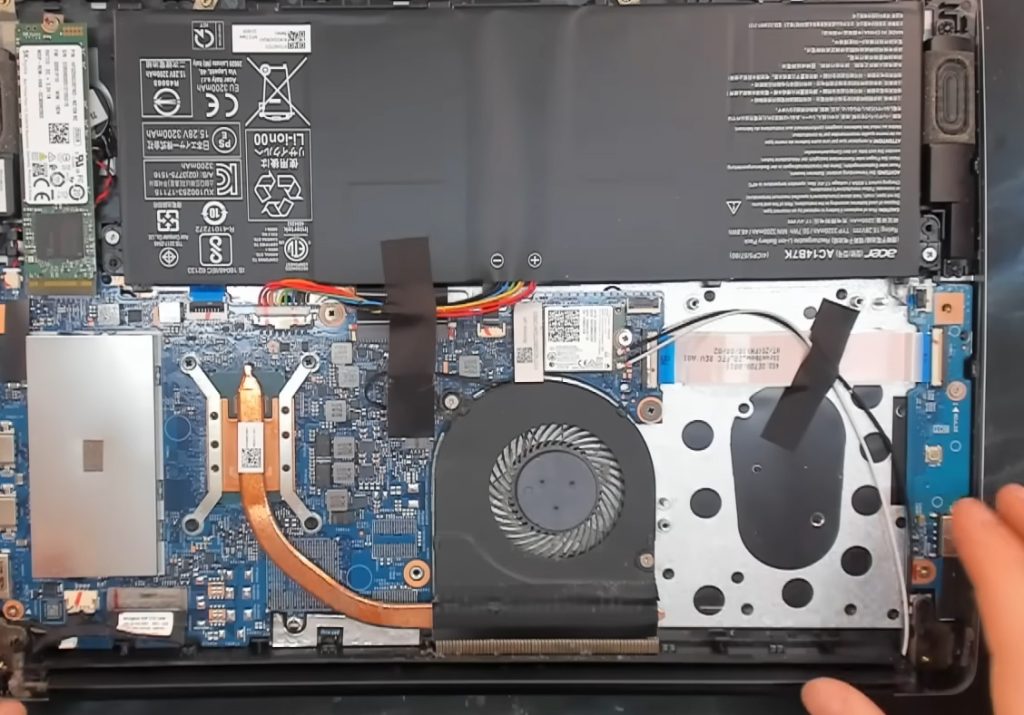
If a laptop is new but extremely noisy, some manufacturers allow switching to “quiet mode” through BIOS or system utilities. These modes use less aggressive boost profiles, which reduces fan spikes at the cost of some performance. This behavior is documented in utilities such as Lenovo Vantage, Dell Power Manager, and ASUS Armoury Crate.
How Users Can Reduce Sudden Fan Bursts Safely
There are practical ways to reduce abrupt fan behavior without harming the laptop. These steps are widely recommended by manufacturers:
- Keeping the device on a hard, flat surface to improve airflow
- Disabling unnecessary startup apps that frequently spike CPU
- Enabling built-in “quiet,” “battery saver,” or “eco” modes
- Limiting background sync in apps like OneDrive or Google Drive
- Cleaning dust from vents annually
It’s important to clarify that users should avoid third-party fan control tools on laptops unless the manufacturer explicitly supports them. Such tools can override factory thermal limits, which both Intel and AMD warn against in their public guidance.
Finally, some degree of sudden noise is simply normal for thin, fast laptops. They are designed to react quickly to micro-bursts of heat. Understanding this can make the behavior less frustrating, because it’s not a sign of damage — it’s a consequence of design priorities in modern portable devices.
What We Know For Sure — And What Remains Uncertain
Most causes of fan spikes are well-documented: CPU boost algorithms, stepped fan curves, thin-chassis thermal limits, and background processes. These are backed by public engineering notes, OS documentation, and manufacturer guidelines. However, detailed fan profiles for specific laptop models are not always published. Many companies consider them proprietary, so users cannot always know exactly which temperature thresholds trigger fan spikes.
What we can say confidently is that the “randomness” is only visual: the hardware is responding to quick temperature changes that users do not notice. The underlying patterns are clear, even if the details vary by manufacturer.