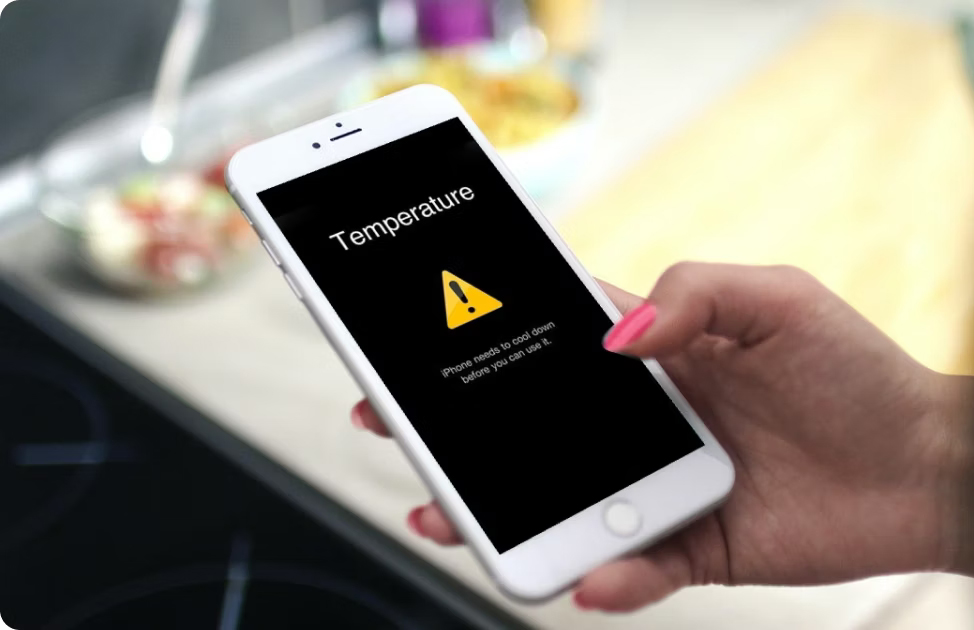
Why Phones Overheat In Summer
It’s a common scenario: you step outside on a hot summer day, pull out your phone, and almost immediately see the warning that the device is too hot to operate. Phones are built to handle typical operating temperatures, but prolonged exposure to heat, direct sunlight, or heavy usage pushes them past their comfort zone. Overheating is a protective mechanism; the phone slows performance or shuts down to prevent damage. Understanding this is the first step in preventing it. Heat affects not only battery life but also the longevity of internal components like processors and memory chips. Ignoring temperature warnings can lead to permanent issues, from reduced battery capacity to unexpected shutdowns, so it’s worth paying attention to environmental and usage patterns.
Research from consumer electronics labs shows that modern smartphones generally operate optimally between 0°C and 35°C (32°F–95°F). Temperatures beyond this range can trigger thermal throttling and automatic shutdowns. By recognizing how summer heat interacts with your phone’s design, you can take targeted actions to keep your device safe while maintaining its performance.
How Hardware And Software Contribute To Heat Build-Up
Not all overheating comes from the sun. The internal workings of your phone play a huge role. High-performance apps, gaming, video streaming, or simultaneous background processes demand more from the CPU and GPU, generating heat. Batteries themselves produce heat during charging, especially when fast-charging is used in warm conditions. Even software updates can temporarily strain the processor, leading to a noticeable rise in temperature. Some phones include thermal management systems, but these are limited in extreme conditions. Understanding that overheating is both an environmental and internal phenomenon helps you address the problem from multiple angles: adjusting usage, optimizing apps, and monitoring performance.
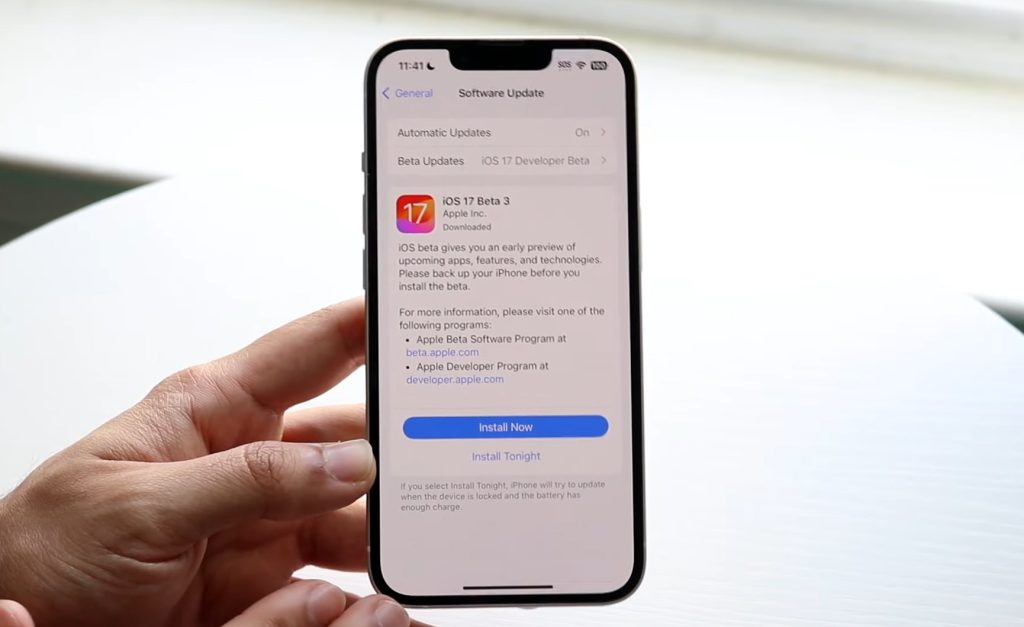
Practical habits like closing unnecessary apps, reducing screen brightness, and disabling background data can significantly reduce heat generation. Additionally, some phones provide performance modes or battery-saving settings that automatically reduce processor strain. Combining hardware awareness with software management ensures a more stable, cooler experience, even under heavy daily use.
Environmental Factors That Amplify Overheating
Summer heat is the most obvious factor, but it interacts with micro-environments to create hotspots. Placing a phone on a dashboard, leaving it in direct sunlight, or covering it with a cloth can trap heat and accelerate overheating. Reflective surfaces or hot sand at the beach can make matters worse. Even ambient air temperature inside cars or rooms without ventilation can push phones to critical levels. Recognizing these scenarios allows you to mitigate risks: keep your device in shaded areas, avoid direct exposure, and consider airflow around the phone during extended outdoor use.
Many users underestimate these environmental effects, assuming the device itself is entirely responsible. In reality, small adjustments—like keeping it in a bag away from direct sunlight or using lightweight phone cases that allow heat dissipation—can make a significant difference. Observing your phone’s response to different environments helps develop a preventive routine that goes beyond app management or charging habits.
Practical Habits To Reduce Heat During Daily Use
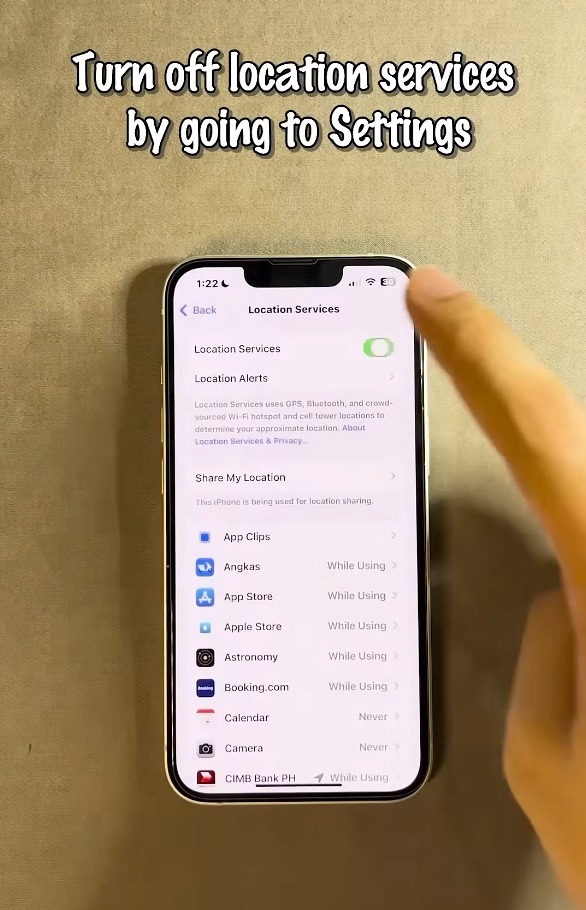
Preventing overheating often comes down to daily habits. Limiting intensive apps, streaming, or gaming in hot conditions reduces processor load. Charging habits matter: avoid using your phone while it’s plugged in and exposed to sun, and unplug it once it reaches 80-90% for heat reduction. Reducing screen brightness, turning off location services when unnecessary, and limiting push notifications help lower energy consumption, indirectly reducing heat. These small adjustments accumulate, keeping temperatures within safe ranges and preventing stress on internal components.

Users also benefit from creating “cooling breaks,” moments when the phone rests without active use, especially after long gaming sessions or video streaming. By balancing high-performance tasks with downtime, the phone can dissipate heat naturally, reducing the risk of performance throttling or damage over time. Developing these habits transforms reactive responses to overheating into proactive strategies that keep devices functioning smoothly during summer months.
External Accessories And Their Role In Cooling
Phone cases, docks, and cooling accessories impact how heat is managed. Thick, insulated cases can trap heat, while specialized heat-dissipating cases or ventilated stands allow better airflow. Using wireless charging pads in shaded, cool areas or opting for shorter, intermittent charging sessions can prevent additional temperature spikes. Some innovative accessories, such as mini cooling fans or heat-dispersing shells, are designed specifically for high-performance smartphones, particularly for gaming. While not always necessary for casual users, understanding the effect of external materials on heat retention can inform smarter choices when selecting cases or charging setups.
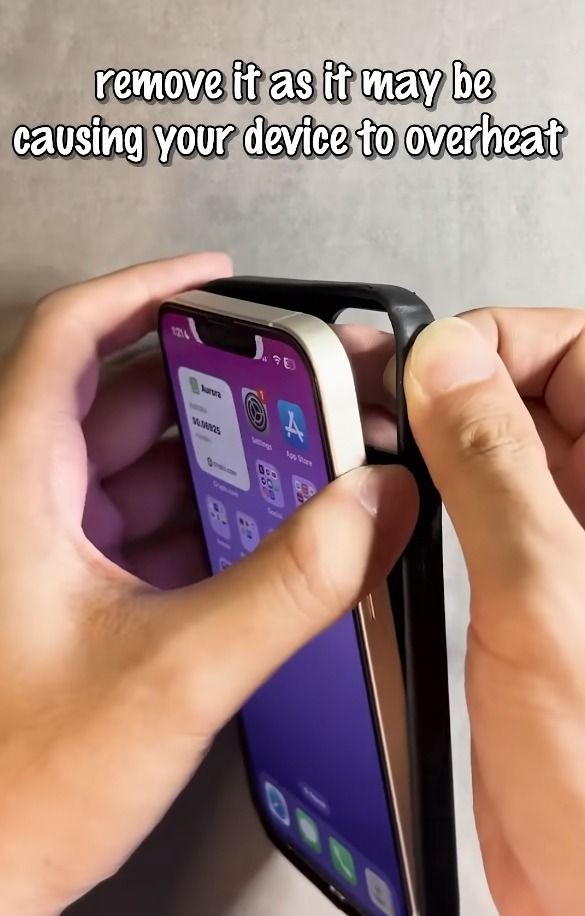
Additionally, wireless earbuds or other connected devices can influence heat if used continuously. Being mindful of connected hardware, combined with proper accessory selection, ensures a holistic approach to thermal management. Small investments in cooling-friendly accessories can significantly prolong device lifespan and comfort during hot months.
Monitoring Temperature And Warning Signs Of Damage
Modern smartphones alert users when internal temperatures reach unsafe levels, but observing subtle warning signs is equally important. Lagging performance, sudden shutdowns, or faster battery drain can indicate recurring heat stress. Apps that monitor CPU temperature, battery health, and system load provide real-time data, helping users adjust usage proactively. Keeping an eye on these metrics allows timely intervention, whether reducing app load, removing cases, or moving to a cooler environment.
Ignoring warning signs can result in irreversible damage. Batteries are particularly sensitive; repeated overheating can permanently reduce their capacity and shorten overall device life. By monitoring temperature trends and responding promptly, users maintain not just safety but long-term device performance.
When To Seek Professional Help Or Replace Components
If overheating persists despite careful management, it may indicate underlying issues such as failing batteries, degraded thermal paste, or hardware malfunctions. Professional diagnostics can identify problems that are not visible to the user. Replacing degraded components or consulting certified technicians ensures the phone operates safely. In extreme cases, older devices may not handle summer heat as efficiently as newer models, making replacement a practical option for safety and performance. Awareness and timely action prevent small overheating problems from escalating into costly repairs or data loss.